
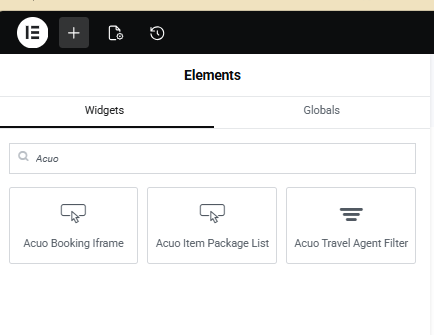
The widgets can be added to any page to seamlessly connect your website’s package offerings with backend management.
They support key functionality such as booking, payment setup and processing, traveler management, activity coordination (hotels, flights, etc.), as well as accounting and marketing.
When creating a page or post for a package, designers can simply choose the required widgets from the Elementor widget library—just like any other.
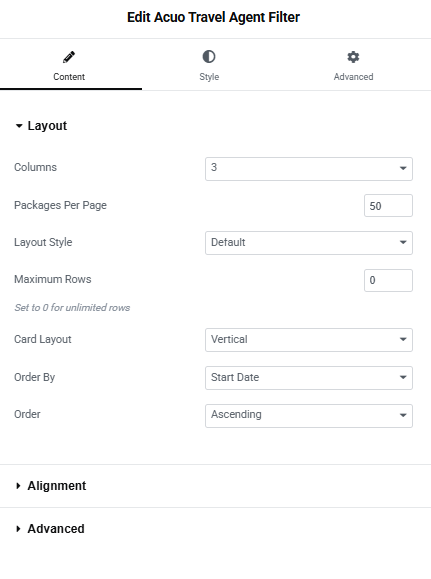
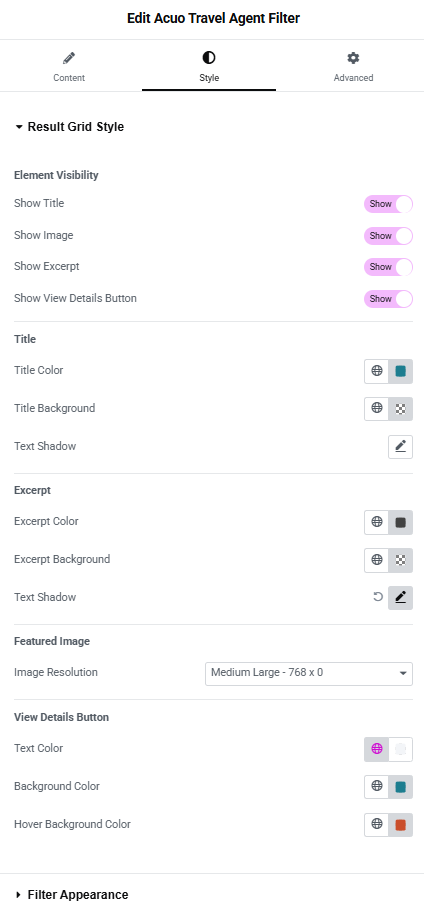
lets users filter and explore travel packages using different taxonomies.
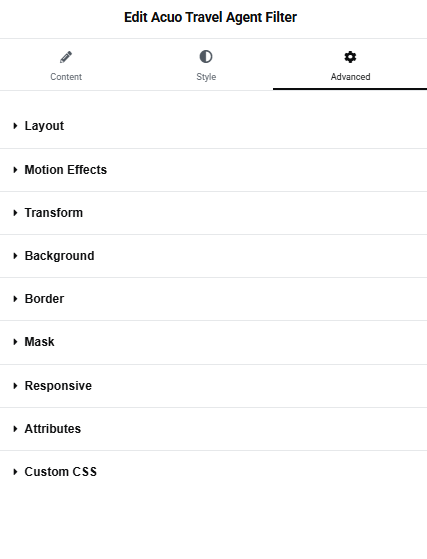
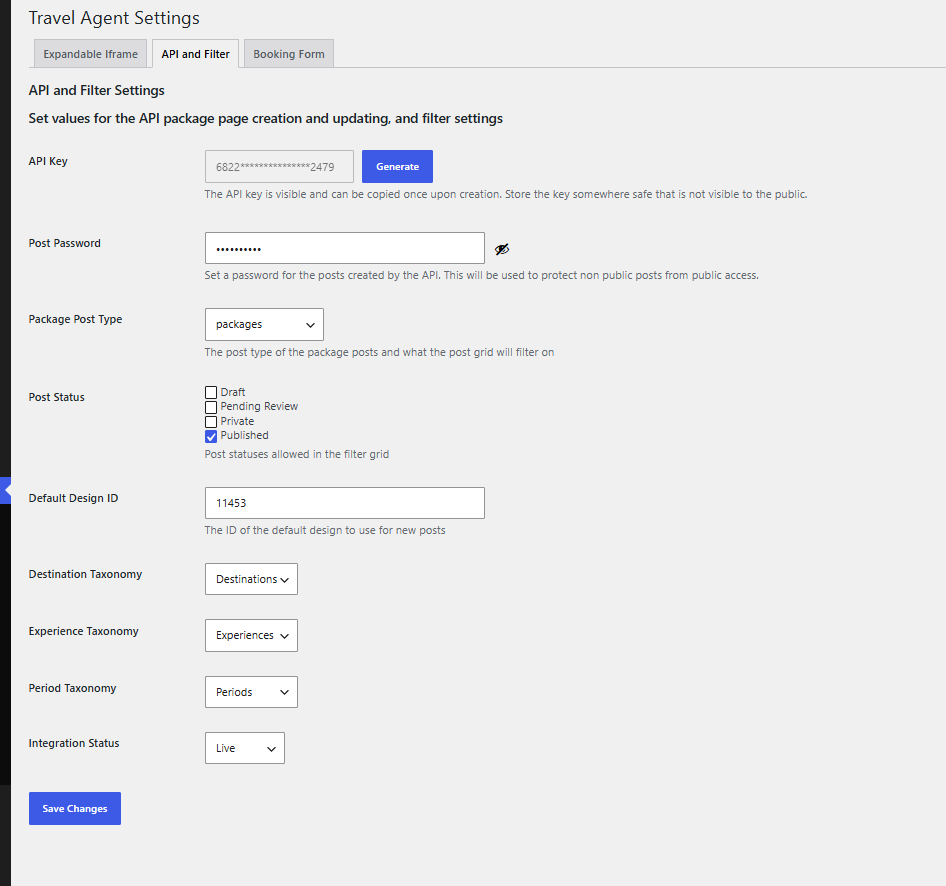
Package visibility is controlled by backend database, where visibility automation is configured. Default taxonomies are Destination, Experience, and Period. These taxonomies are configured via API. Layout configuration is like any other Elementor widget additional to specific data for a package.
For more details, visit our documentation .
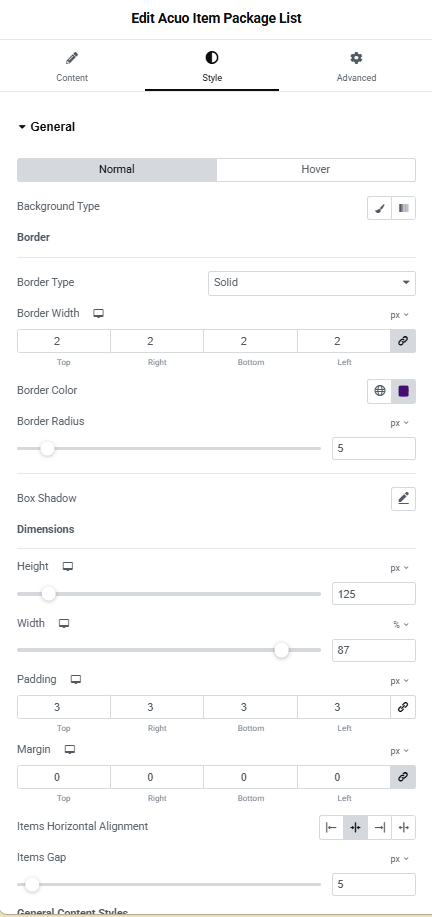
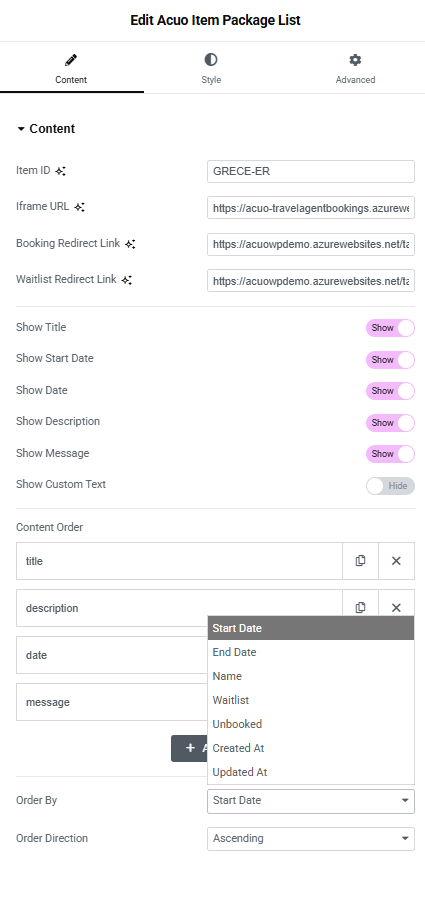
Widget (Acuo Item Package List) allows designers to list available travel packages associated with an item. A typical use case is for packages that share similar characteristics but have different departure dates, where you only need to design a single page for multiple packages.
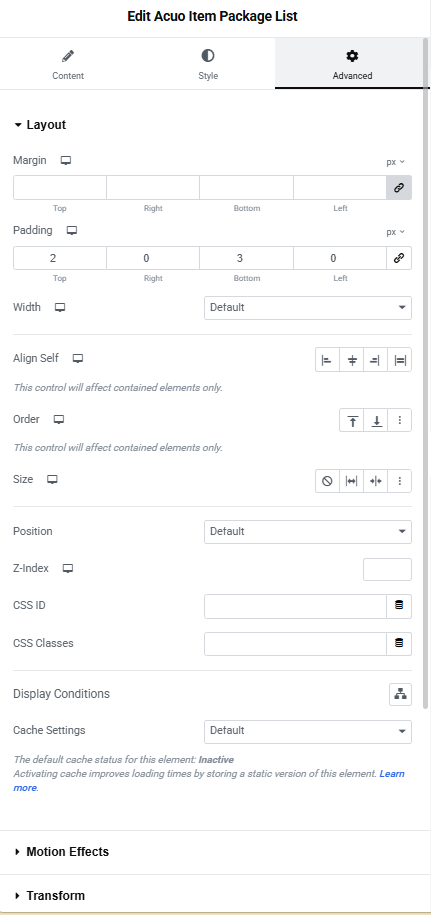
Package visibility is controlled by backend data. On the frontend, you only need to specify the item to which the packages belong. The layout includes all the features of a standard Elementor widget, along with several data-driven options that let you define what information is displayed.
For more details, visit our documentation
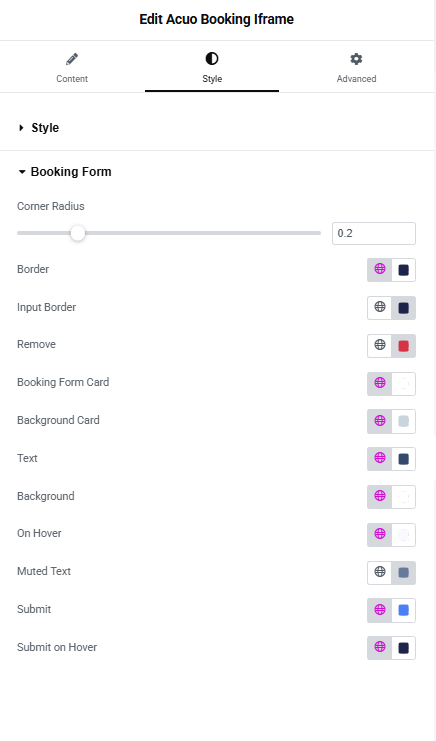
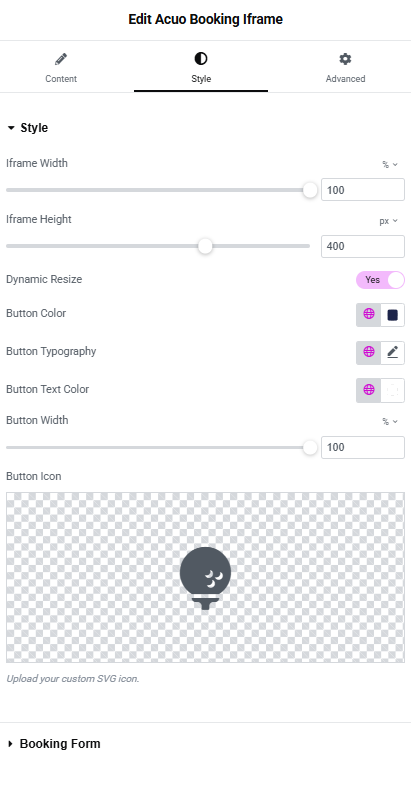
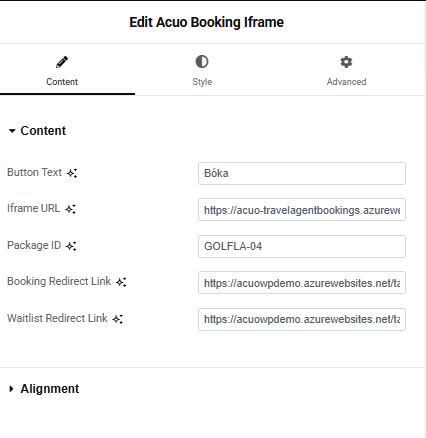
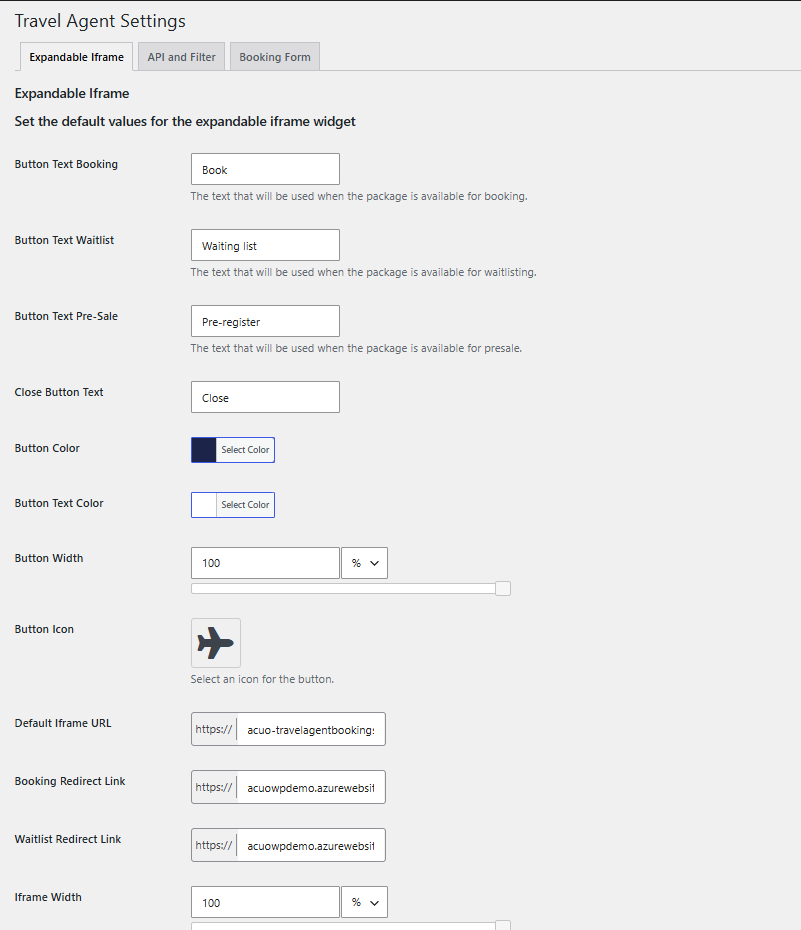
Component (Acuo Booking iFrame) allows designers to place a button for visitors on a page or post to book a package. There are layout controls for the button, as well as controls for the layout options of the booking website opened within the iFrame. These settings can be applied globally for the site or customized for each package.
They include options such as colors for different areas of the booking site and the language used. The link between the booking and the package is part of the component. It is automatically assigned when the package page is created, but it can also be set manually.
The layout includes all the features of a standard Elementor widget, along with several data-driven options that let you define what information is displayed.
For more details, visit our documentation .
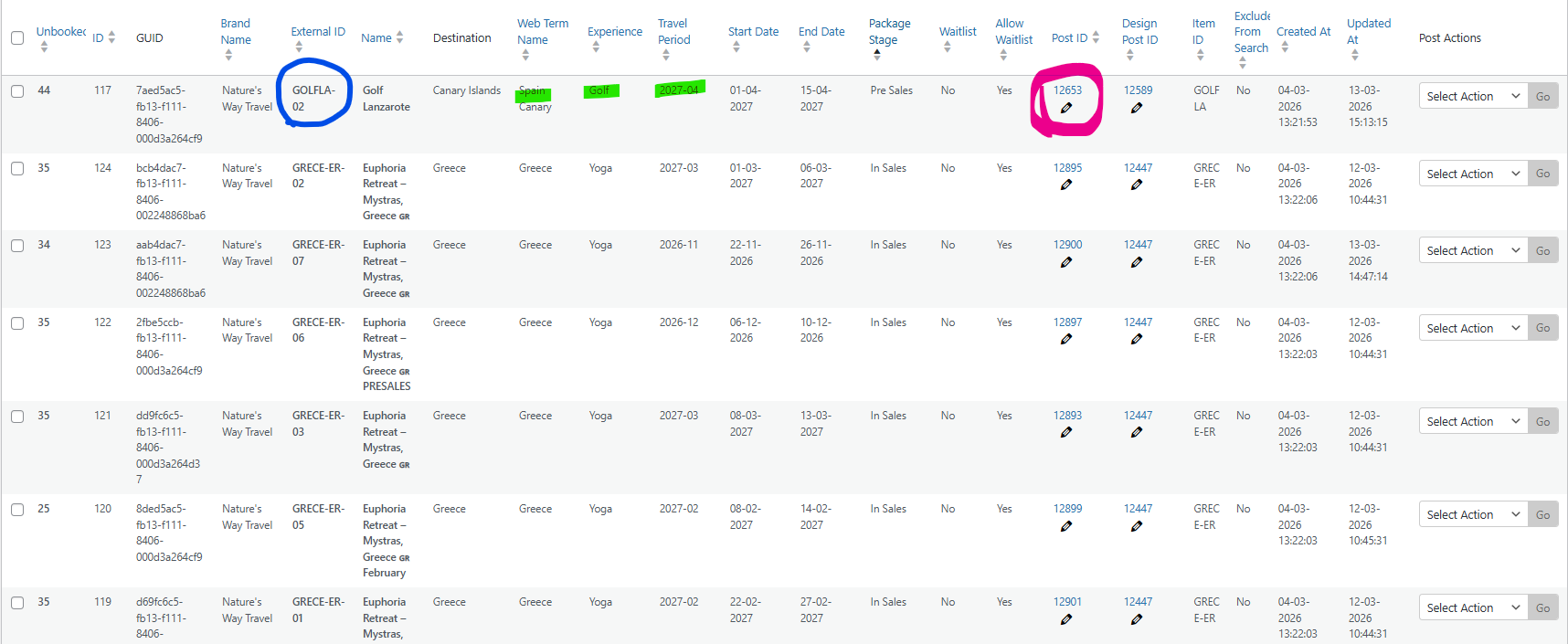
The API supports seamless synchronization of travel packages between the Backend, like Travel Agent Operations, and WordPress site. Whenever changes are made in the Backend —such as sold-out, updating meta data, or remove packages—the plugin automatically updates the WordPress site to reflect the latest information. This process operates in the background, eliminating the need for manual intervention and ensuring your site always displays current package offerings.
Information that is automatically updated from the backend to the website:
For more details check the documentation